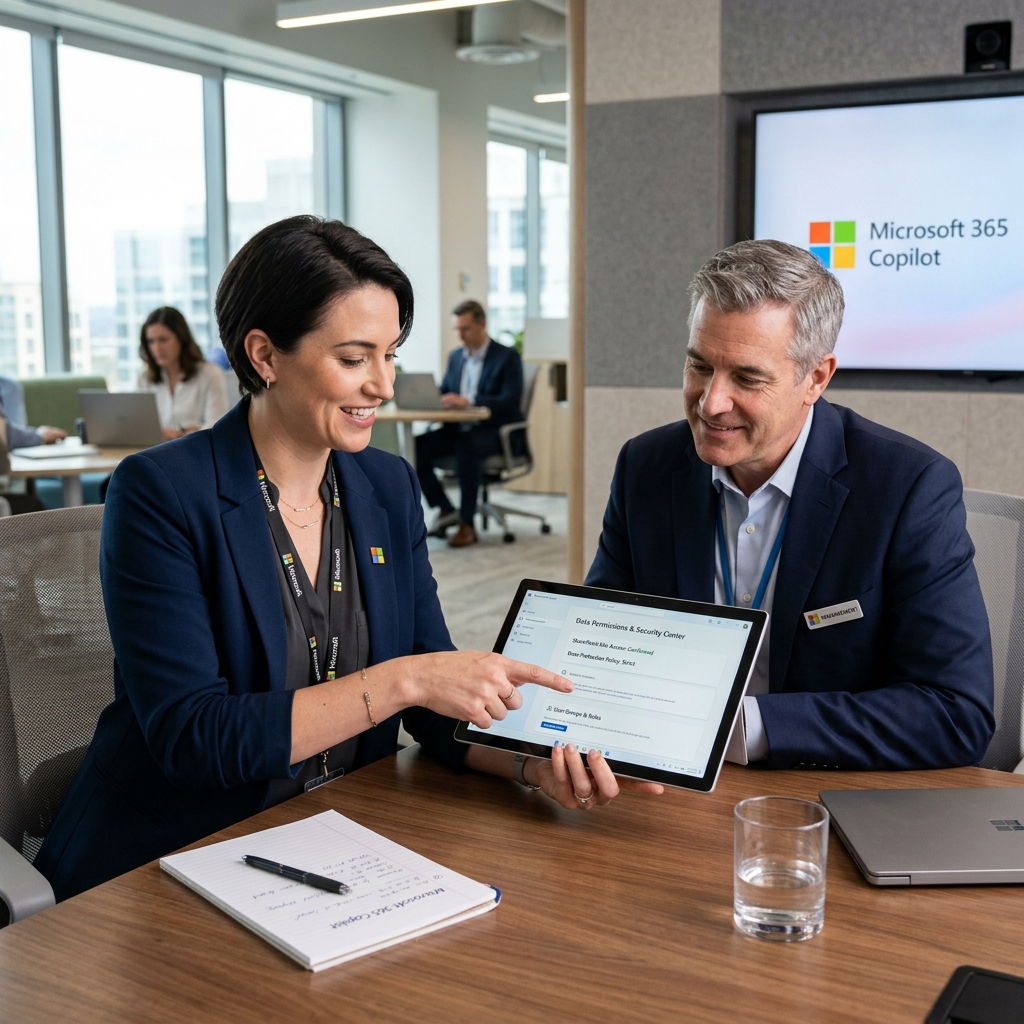
1. M365 Tenant Readiness Audit
We audit your SharePoint permissions and IT security before the Copilot rollout to prevent data leaks.
Microsoft 365 Copilot Integration
We review Microsoft 365 settings and SharePoint permissions and discuss suitable Copilot workflows with your team. Relevant steps depend on licence, configuration, data and approvals. Scope and timing are agreed in advance; no specific productivity gain or blanket compliance is promised.
We audit your SharePoint permissions and IT security before the Copilot rollout to prevent data leaks.
Systematic cleanup of redundant data sharing in SharePoint and Teams (Over-sharing Prevention).
Activation and setup of Microsoft Purview Information Protection and Sensitivity Labels.
Step-by-step plan for the gradual rollout of Copilot in operations to optimize licensing costs.
Department-specific training for marketing, HR, finance, and project managers on real use cases.
A review of Copilot usage and license utilization can be included in the project scope.
Copilot Philosophy
Copilot is a powerful tool, but it has no own morality: if an employee has access to confidential CEO payroll files in SharePoint, Copilot finds and displays them when queried. A Copilot rollout without permission cleanup is a major security risk. We only activate Copilot once your data structures are secured.
From a quick security check to a company-wide rollout and training program.
Microsoft Stack
We are M365 specialists and configure Purview, Defender, and Sensitivity Labels directly in your Microsoft Tenant.
From a live engagement
A Swiss client is rolling out Copilot with us right now, with written usage rules instead of a ban list.
In a free introductory call, we discuss a specific Copilot task and identify a suitable review or next step.
Book Copilot callWe analyze SharePoint shares and detect uncontrolled file access in the tenant.
We close security gaps and activate Microsoft Purview Information Protection.
We assign licenses selectively and activate Copilot for the first pilot users.
We train your departments on their real tasks. No demo, but real work.
We activate what you already have in your M365 license, and add Swiss-hosted where it truly matters for compliance.

FADP-compliant Configuration
Microsoft 365 Copilot with Sensitivity Labels, DLP rules and tidy SharePoint permissions. Productive without oversharing risk.

DLP & Compliance
Microsoft Purview for Sensitivity Labels, Data Loss Prevention and audit logging. Already included in most M365 licenses, just not activated.

Swiss-region OpenAI
Azure OpenAI in the Swiss region (Zurich), GPT models without data flowing to the US. For critical use cases with data residency requirements.

Swiss Hosting
Swiss cloud provider for AI models and workflows that don't run through Microsoft. 100% in Switzerland, B-Corp certified.

Workflow Automation
n8n on Swiss servers for governance workflows: audit trails, approval flows, vendor onboarding. Self-hosted, no vendor lock-in.
Identity & Shadow AI
Entra ID app audit, Conditional Access and Defender for Cloud Apps, the identity and monitoring layer that makes shadow AI visible.
Areas of Use
Whether automated meeting minutes, quote checking in sales, or email pre-selection in support - we make Copilot your most useful assistant.
Automated document processing, client portals and FADP-compliant data systems. We connect your existing tools (Bexio, Abacus, KLARA) into a seamless workflow.
View Copilot use casesProject management dashboards, automated quoting processes and document management. Digitalization for construction projects: from proposal to final billing.
View Copilot use casesPatient portals, appointment management and secure data systems. EPD integration and FADP-compliant AI solutions for practices, home care and clinics.
View Copilot use casesAutomated document analysis, client management and FADP-compliant communication. AI tools that reduce routine tasks in law firms.
View Copilot use casesERP integration, digital project management and AI-powered process optimization. Software for manufacturing SMEs, from order to delivery.
View Copilot use casesShop integration, inventory automation and customer analytics. We connect online and offline channels into a seamless customer journey.
View Copilot use cases

“I’m very satisfied with the work delivered for the Alventis website.”